
Summary
POS performance issues affect transactions, reporting, integrations, inventory alignment, and operations. Breakdowns often start with system delays and inconsistencies, impacting workflow reliability and decision-making. Choosing the right POS requires evaluating scalability, data consistency, and operational fit as the business grows.- POS Failure, POS Performance Issues, Restaurant POS
POS Performance Issues That Signal It’s Time for a New System
How Small Problems Turn Into Larger Point of Sale Issues
POS performance issues usually don’t show up when the system goes down. They start when things get busy, and the system can’t keep up. What used to take a second starts taking a few. You start seeing it in the middle of a rush. The screen freezes or a button doesn’t respond. Payments take longer than they should. None of it stops service completely, but it slows everything just enough to back things up.
Why is My POS Slow? Workarounds Take Over
When POS performance issues start slowing down the system, people stop relying on it the way they should. Instead of moving straight through a transaction, they find ways around it—writing things down, re-entering items, or keeping details outside the system just to get through the shift.
It doesn’t feel like a POS failure at first. Orders still go through and payments still process, but extra steps get built into every transaction and they’re not handled the same way. Some data never makes it in, items don’t match up, and reporting becomes unreliable when you look back. The workarounds keep things moving in the moment, but they create more problems than they solve.
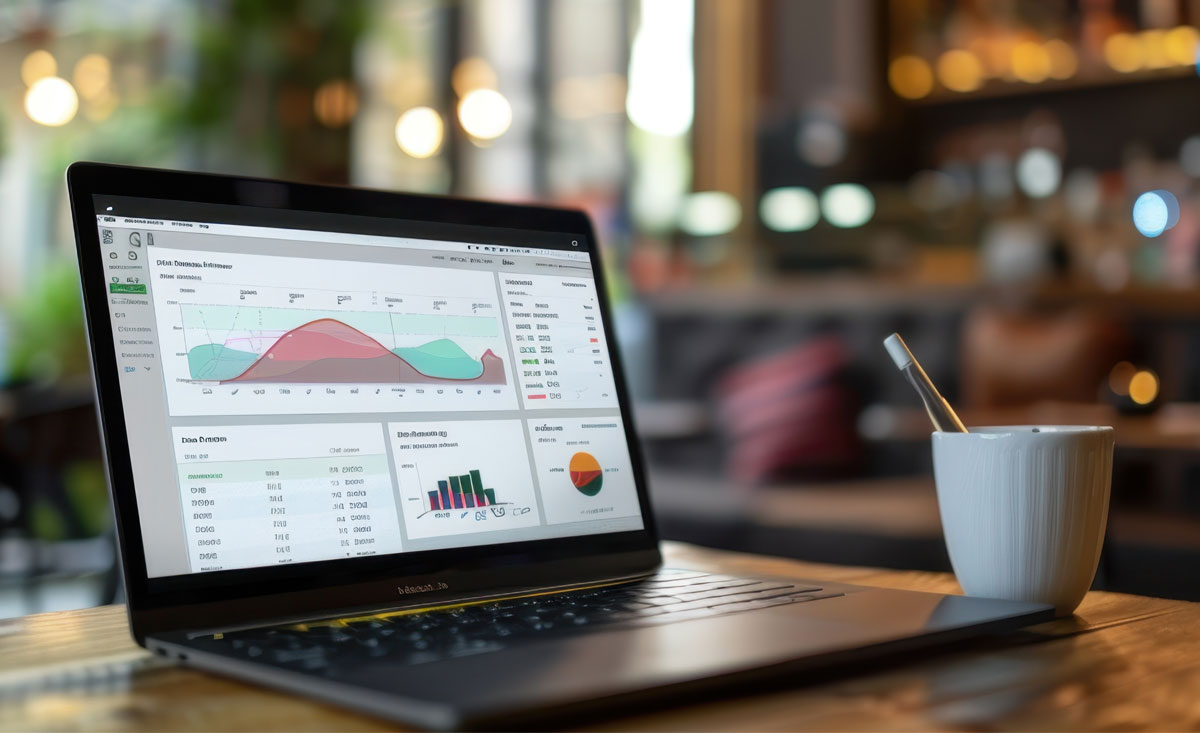
When Reporting Doesn’t Align Due to POS Performance Issues
Reporting starts becoming a problem when the numbers don’t match what actually happened during a shift. You look at a report and it’s off or incomplete, so someone has to go back and figure out what’s correct before anything can be used. That usually means pulling data from different places or double-checking totals.
You end up hesitating on decisions because the numbers aren’t reliable. Inventory planning becomes less precise, staff rely more on assumptions, and trends are harder to trust when the data doesn’t reflect what occurred during service.
Adding Point of Sale Integrations Gets Complicated
Bringing in new tools should make things easier, but when systems don’t connect cleanly, it adds extra steps. Online ordering, loyalty, and other add-ons often run separately, so data doesn’t carry over and staff manage it across multiple places.
As more features are added, slower transactions, delayed updates between systems, and added effort to keep everything aligned start to appear. Integrations take longer, cost more, and depend on system compatibility or vendor limitations, making expansion harder.
Inventory & Transactions Are Misaligned
When inventory doesn’t reflect what’s selling, counts don’t match what’s in dry storage or freezers, items ring up that should be out of stock, and staff have to adjust tickets before finishing transactions.
Counts get updated manually, and inventory no longer reflects real-time sales activity. Variances build up between what’s recorded and what’s on hand, and item or pricing data can differ across systems or locations, making discrepancies harder to trace. These POS performance issues affect ordering, reporting, and margins, especially when the numbers aren’t reliable.
What to Look For Before Making a Change
POS performance issues don’t always show up as obvious problems, so it helps to look at how the system handles normal volume and rush hour. Slower response times, reporting delays, and additional steps for staff are usually indicators of POS failure. Also, look where manual work or errors are coming from, especially if the system isn’t keeping up.
Operational Point of Sale Issues
Pinpoint where POS performance issues show that processes are inconsistent or require extra steps to complete. Pay attention to obstacles across locations or teams, and focus on the ones that persist during daily operations.
- Slow transactions at checkout.
- Reporting delays or missing data.
- Inventory counts not updating correctly.
Future POS Requirements
Look at what your restaurant needs and where your POS system can’t keep up. Focus on areas that become harder to scale or standardize as you add locations, channels, or services, and where new tools aren’t fully supported.
- Adding locations requires separate setups.
- Online ordering or delivery doesn’t connect.
- New tools require workarounds.
- Processes are harder to keep consistent.
How POS Performance Issues Influence Your Next POS Choice
A new POS should handle higher volume without slowing transactions or adding unnecessary steps. Data needs to stay consistent across locations, channels, and tools, as workflows should run the same way without constant adjustments. It should also support growth without added complexity.
Look for a Scalable POS
A POS system that can grow with your business doesn’t need constant adjustments as things change. Adding a new location, selling online, and offering a loyalty program should not create additional steps for your staff. Scalable POS solutions for growing businesses handle those changes without slowing down operations.
- Real-time updates across sales, inventory, and reporting.
- Adding features without interruptions.
- Handling growth with no POS replacement required.
Determine Integration Flexibility Over Time
Integrations determine what your POS can actually connect to and how those systems work together. When connections are limited, adding new features takes more effort and can restrict how the business operates.
- Data shared between systems without manual updates.
- New tools connected without custom setup.
- Channels added without separate systems.
- Fewer limitations on how systems can be used together.
What to Expect When Transitioning to a New POS
Operators often ask how does a point of sale system work when transitioning to a new system. It involves moving data into a new structure, reconfiguring how workflows run, and preparing the system and staff before going live.
How POS Data Migration Works
POS data migration moves products, pricing, customers, and transaction history into the new system. Data is extracted, formatted, and mapped to match the new structure, then tested to confirm accuracy across inventory, sales, and reporting.
What to Prepare Before Switching POS Systems
Products, pricing, and customer data need to be reviewed and cleaned before migration, and on-hand inventory should be verified. Processes need to be configured in the system, staff need to be trained on updated procedures, and a rollout plan must be in place before the transition starts.
POS Performance Issues Don’t Have to Be the Norm
POS issues don’t fix themselves—they carry into new locations, added services, and higher volume. Identifying where POS performance issues are showing up is the first step, followed by choosing a system that supports how the business runs.
We work closely with operators as a long-term partner, staying involved as restaurants evolve and priorities shift. Unlike typical POS support, we’re proactive—local, always available, and on-site when needed.